USER GUIDE
GovDocs Postings Dashboard
Navigating the dashboard is a key component of the GovDocs Update Program, specifically designed to help you manage and monitor your labor law poster compliance program.
USER GUIDE
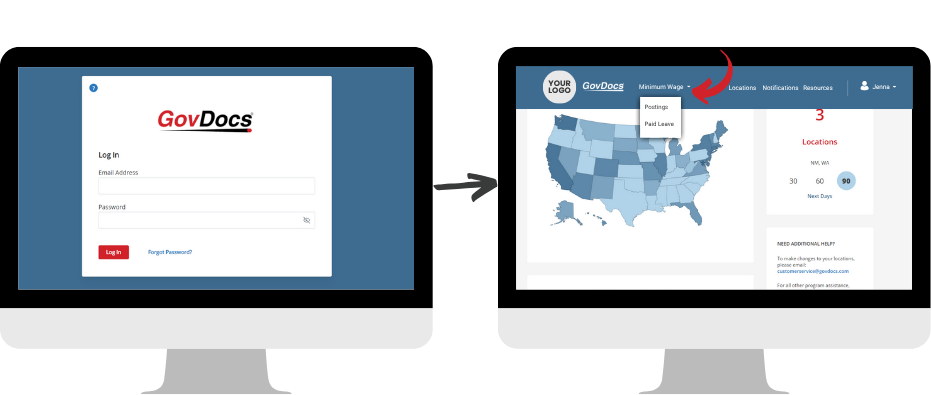
From elc.govdocs.com/#/ you will enter your unique username and password.
Note: If you have multiple solutions with GovDocs, you can toggle between them upon login.
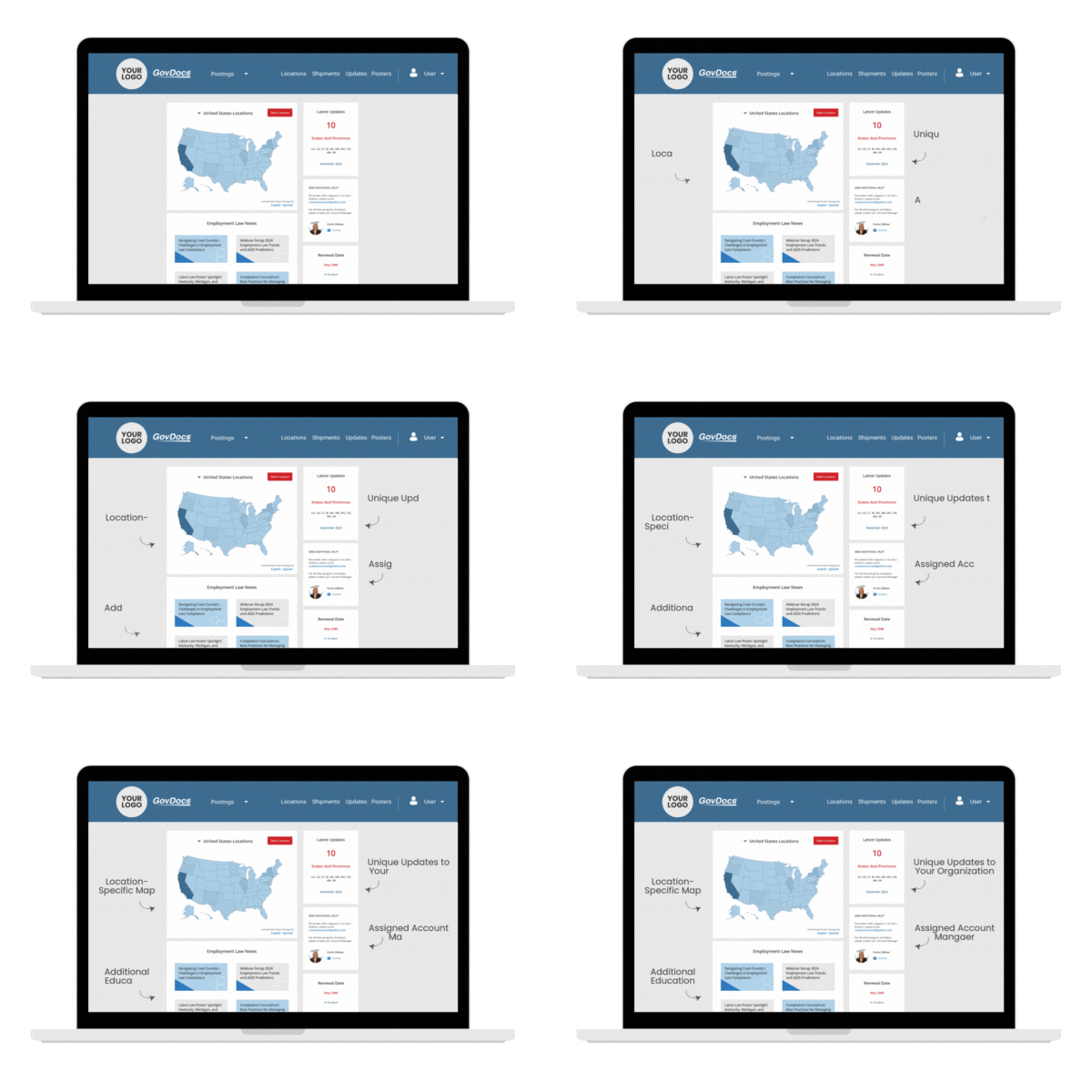
Upon your login, quickly scan the latest information of your GovDocs Update Program unique to your locations.
Representing your company locations in each state/province – Click the map to go to each state’s location list
This month’s latest new and updated postings and corresponding jurisdictions — Click the update number to go to the most recent update summaries and The Grid
Educational resources linked directly to recent employment law news including paid leave, minimum wage and more – Click on articles to read more on GovDocs website
Your account manager and directions to order posters — reach out with any questions or feedback about your GovDocs solutions. Account Managers are always available.
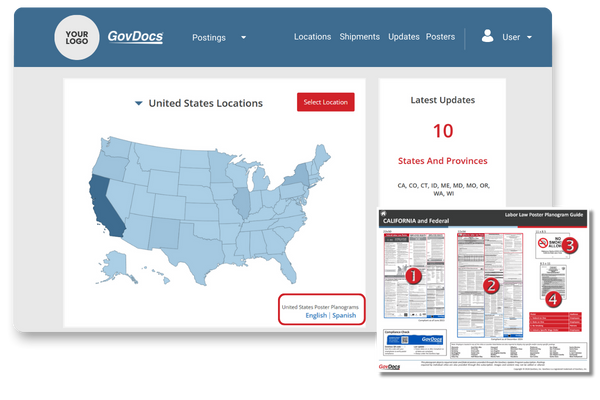
Planograms are visual guides to help you and your locations identify what posters they are required to display and what to expect visually. Pairing nicely with the Subscription Audit Report, a location manager can view State and Federal poster requirements in a centralized solution.
Updated on a monthly basis, this auditing resource highlights each state individually creating consistent processes organization wide.
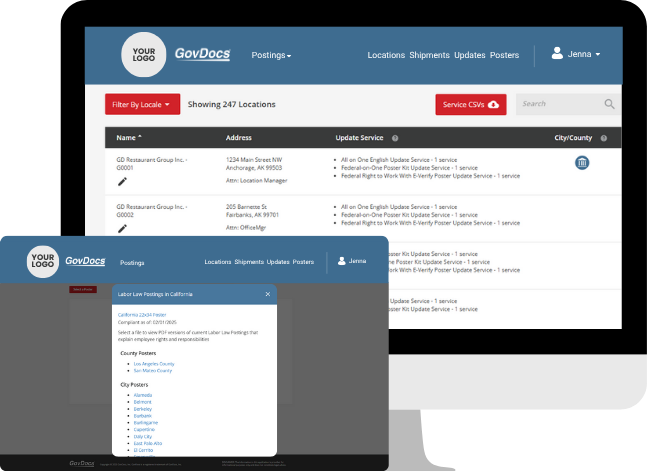
A database of all your locations, you will find details such as location name, mailing address, attention to, and more highlighted below.
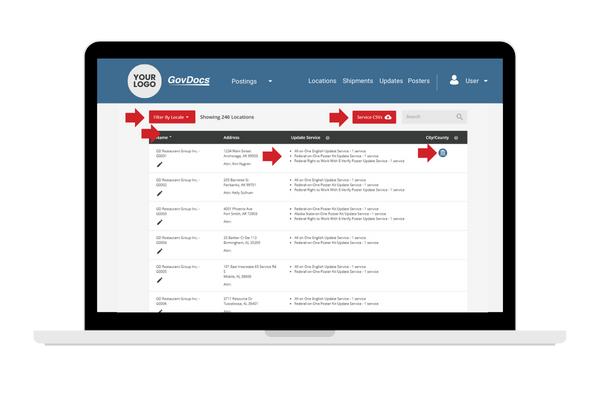
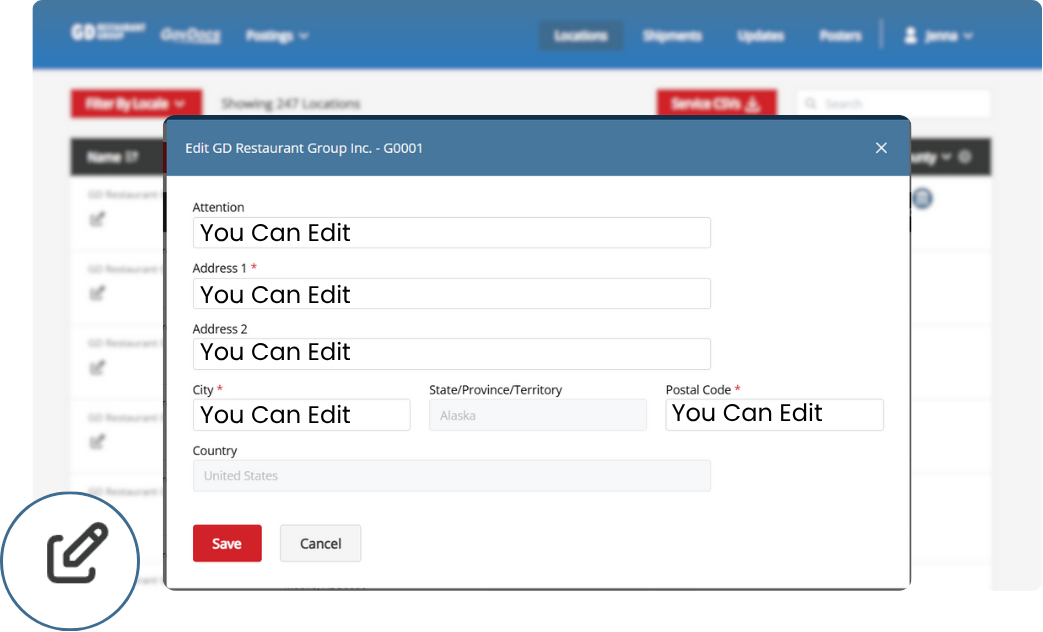
You can edit the following location fields:
First, click the edit icon next to the location name.
Then, change the desired field(s) and click save. Note: Address 1, City, and ZIP Code are required fields.
To add or delete a location, contact your assigned GovDocs customer service member for assistance.
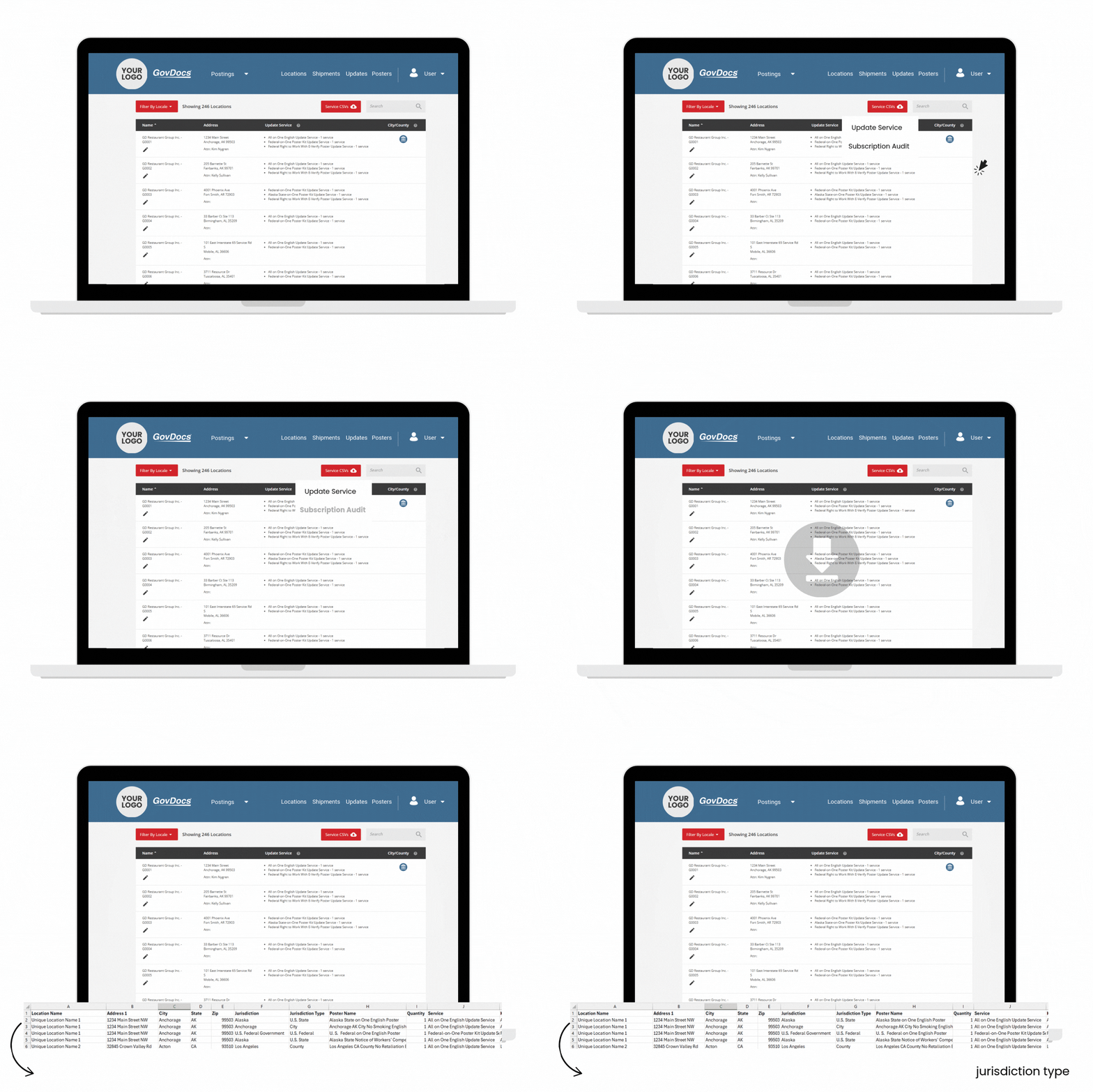
The Subscription Audit Report makes it easy to see which federal, state, county, and city posters are required in your GovDocs Update Program Subscription at each location.
With this report, you can:
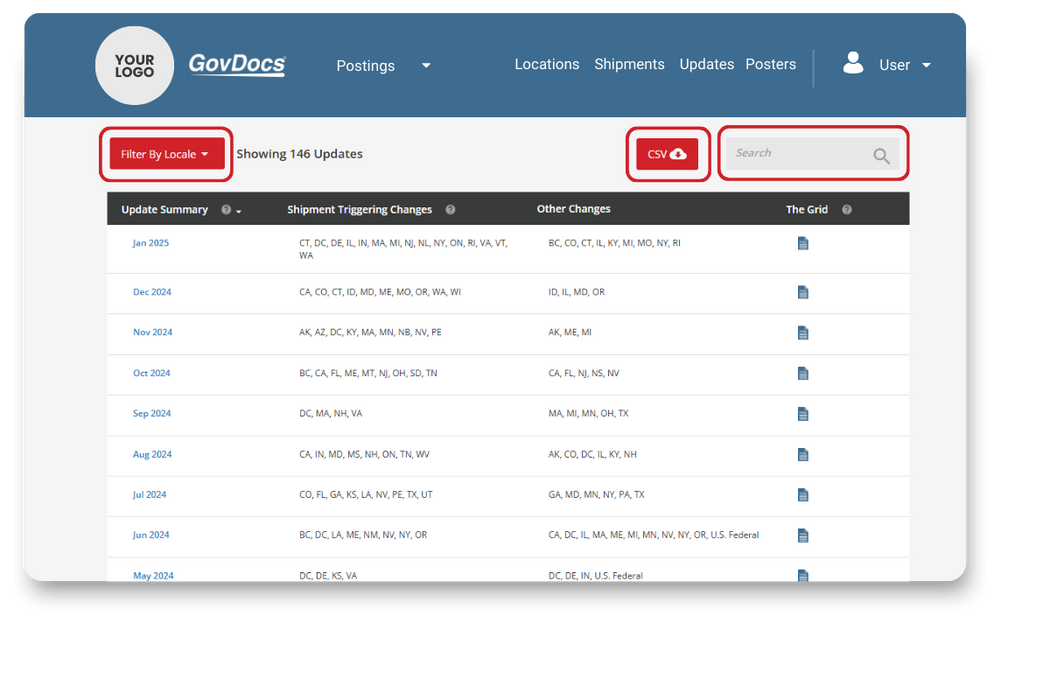
This is your quick-access to view new updates, summaries, and the more detailed Grid.
The Updates tab features 20 updates per page. There are multiple ways to review and filter the data on this page the following ways:
TIP: One user shares they login the dashboard 2x a week and contacts each store when they should be expecting a new poster. They toggle between the Updates tab and the PosterCheck verification on the Shipments tab.

Sent directly to your inbox on the last business day of each month, The Grid provides a centralized resource for tracking upcoming labor law poster updates across states, counties, and cities in the next 30 days.
You can easily:
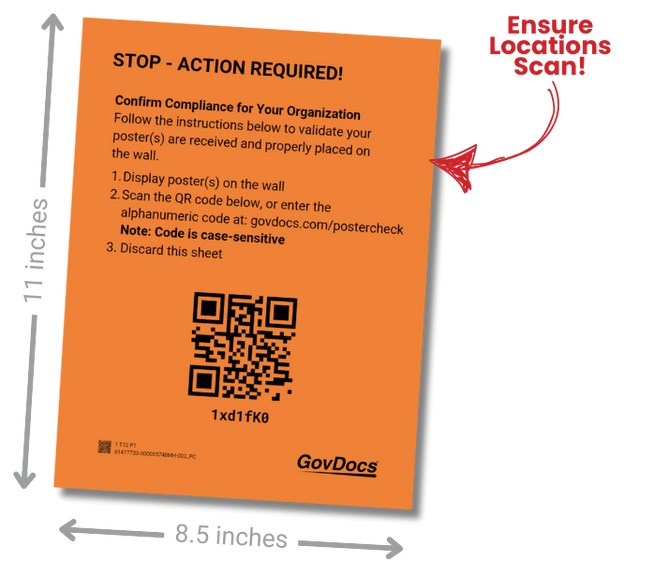
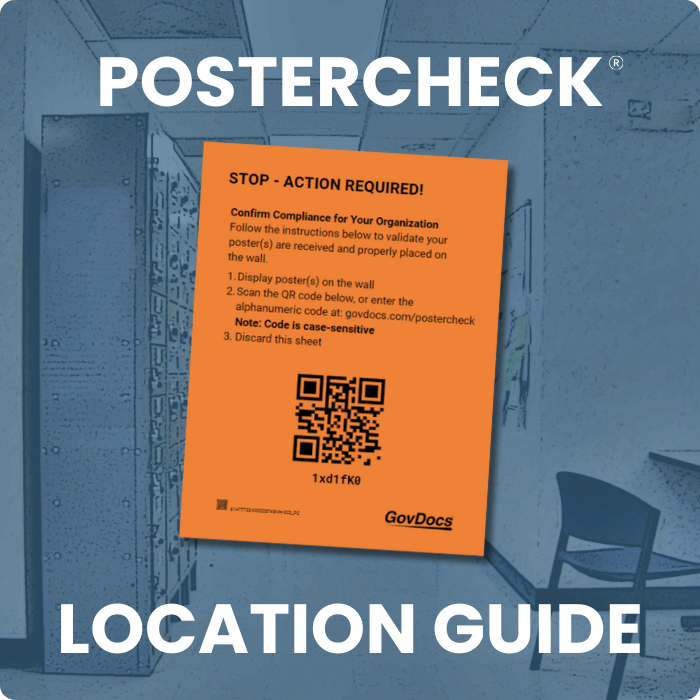
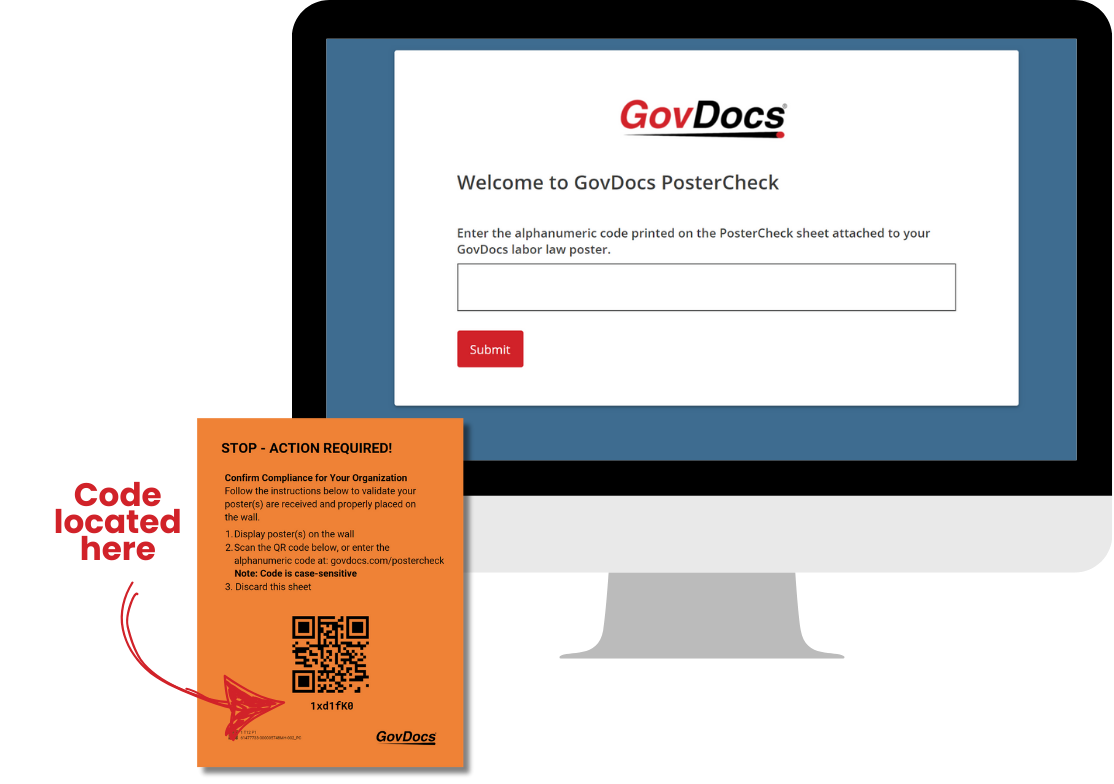
GovDocs PosterCheck™ is a QR code-based resource to help you – and your locations – confirm updated and new labor law posters are delivered and properly displayed in a timely manner.
With PosterCheck, new and updated posters are shipped to applicable locations with an 8.5×11 inch orange insert, including a QR code and alphanumeric code. Once the poster in hung on the wall and code is scanned/entered at the location, the verified display status is available in the GovDocs Posting Dashboard.
When a location receives a poster shipment, they:
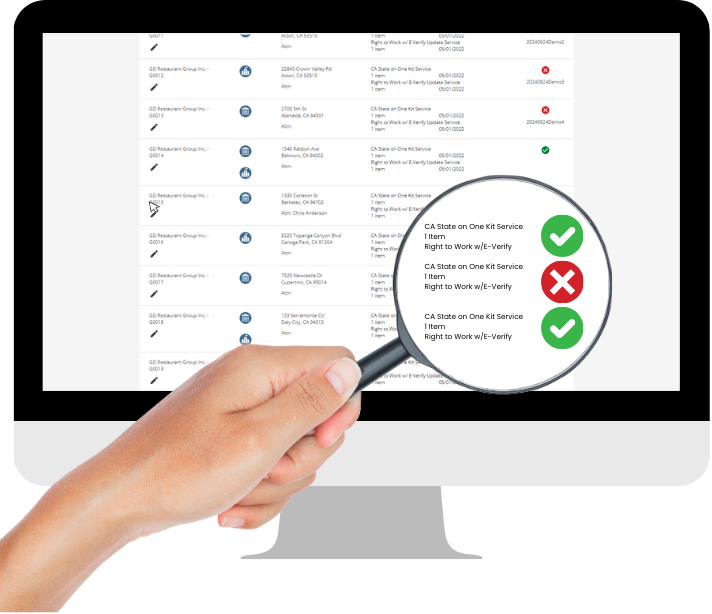
After a location has completed the PosterCheck process at a location, the GovDocs Posting Dashboard has now completed the communication loop by updating a verified status to confirm compliance on the Locations Tab.
✅ A green check notes the location’s shipped poster has been received and is displayed.
❌ A red X notes the location’s shipped poster has not been received, posted, or scanned.
If the column is blank, the location’s PosterCheck status hasn’t updated, or it wasn’t subscribed to PosterCheck at the time of the shipment.